
Blank pages usually mean tape left on a cartridge, a clogged print head, empty ink or toner, or a worn drum. Find yours in three questions and fix it.
Category Archives: Tech Support
17
Oct
Oct
How long toner lasts on the shelf and in your printer, how to store it, and how often Swift Ink customers actually reorder toner.
17
Oct
Oct
What happens to your cartridges when you cancel HP Instant Ink, how to cancel, which cartridges you can use next, and whether the plan is worth keeping.
17
Oct
Oct
Step-by-step toner replacement for Brother laser printers, from the TN760 to the TN436 sets, plus what to do when Replace Toner won’t clear after a new cartridge.
15
Oct
Oct
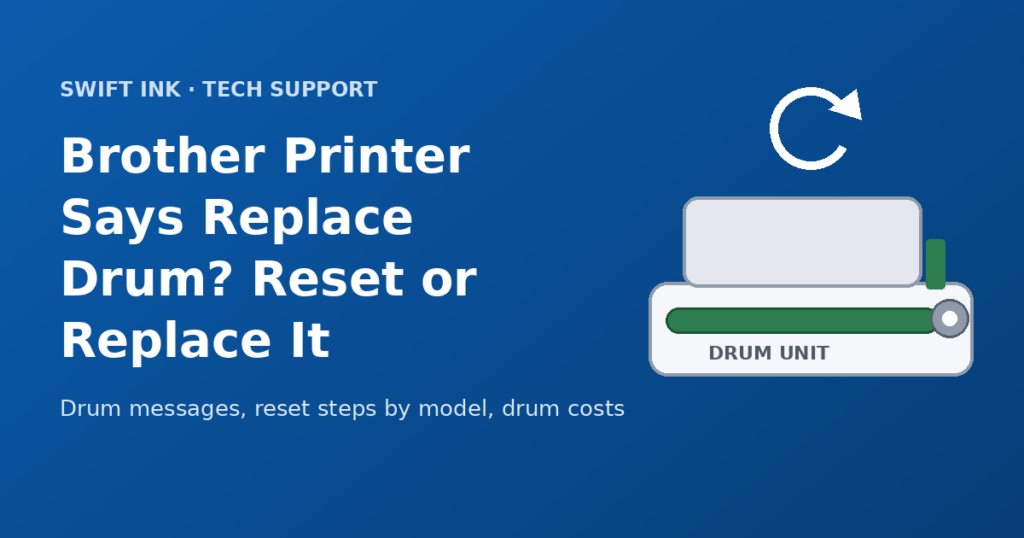
Brother printer says Replace Drum or Drum End Soon? See what each message means, the reset steps for your model, and when a new drum is needed.
14
Oct
Oct
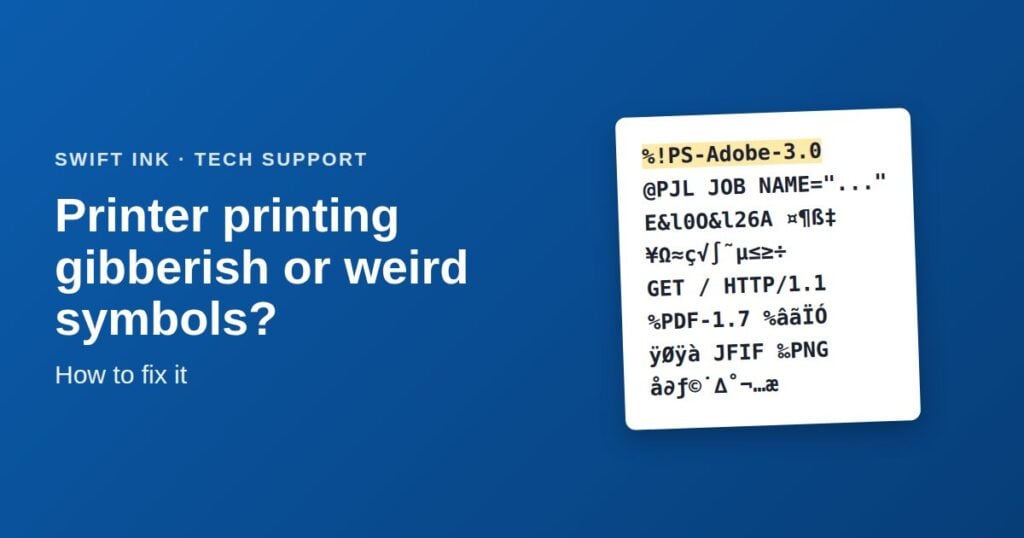
Printer spitting out pages of random symbols or code? The first line on the page tells you why. Here’s how to fix it on Windows and Mac.
14
Oct
Oct
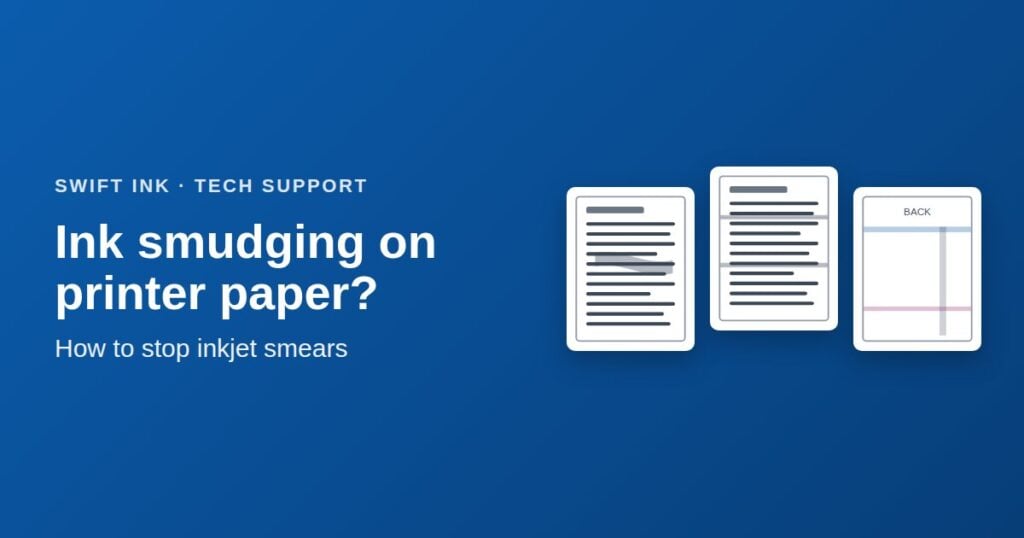
Inkjet prints smearing or smudging? Find out why ink smudges on printer paper and how to stop it with the right settings, drying time, and cleaning.
14
Oct
Oct
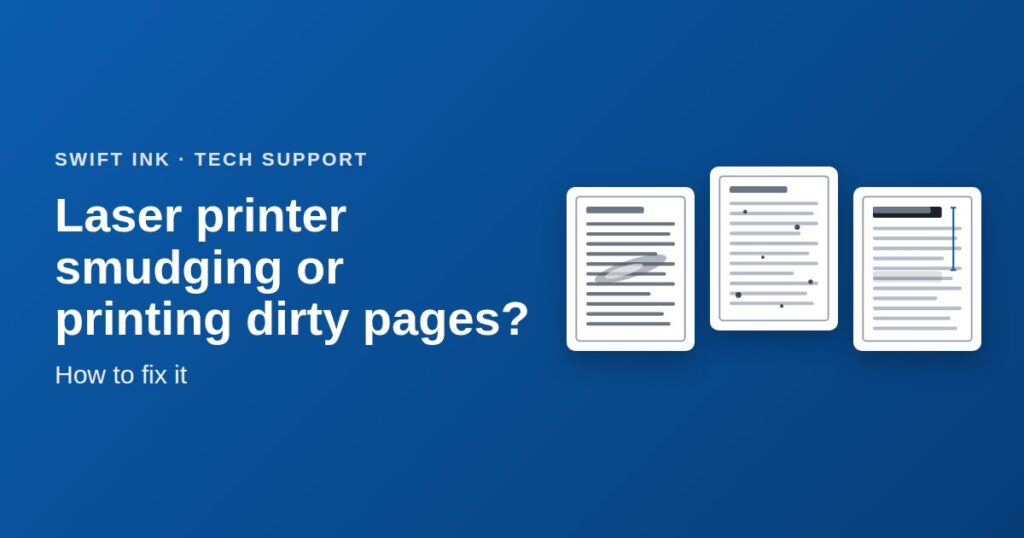
Toner smearing or pages coming out dirty? A quick rub test tells you if it’s a fusing problem or loose toner, and which fix to try first.
14
Oct
Oct
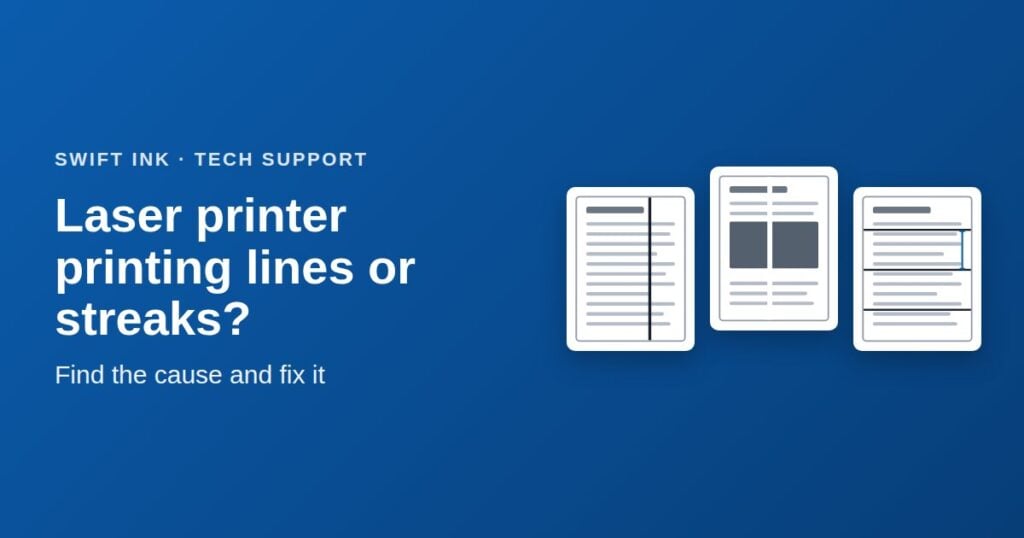
Black lines, white streaks, or marks that repeat down the page? Match the pattern to the part causing it, and fix it starting with the free steps.
25
Sep
Sep
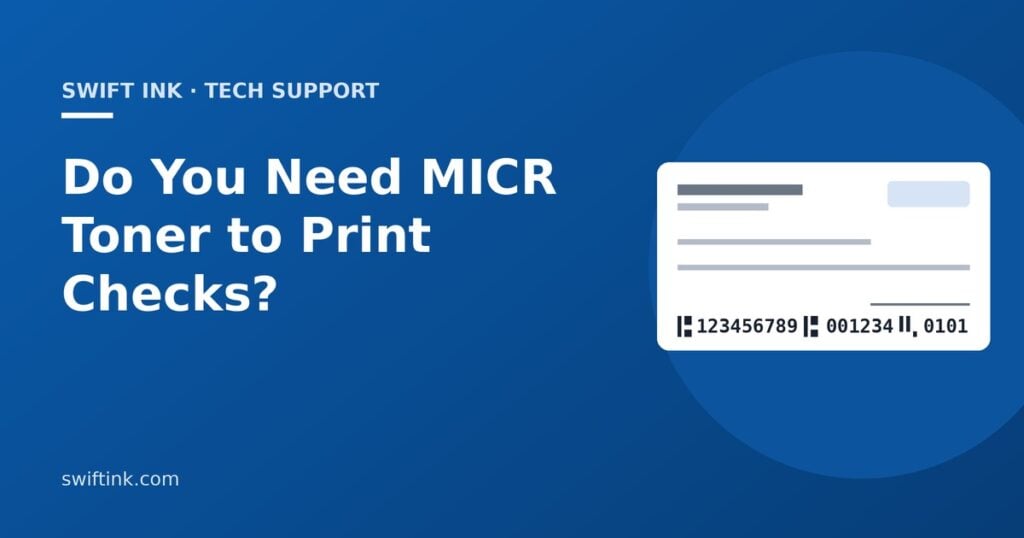
You need MICR toner only if you print the MICR line yourself. What banks require, when regular toner is fine, and how to print checks on blank stock.
- 1
- 2