
HP+ can lock your OfficeJet Pro to HP ink for life. Here’s how to skip it, which printers it affects, and where compatible HP 923 and 936 ink stands.
Category Archives: Tech Support
28
Jan
Jan
An “e” on an HP printer means HP+. LaserJets ending in “e” take only HP toner; inkjets depend on setup. Here is what to buy and check instead.
29
Apr
Apr
Turn off Epson firmware updates on the printer, computer and phone, then block them at your router so your compatible cartridges keep working.
29
Apr
Apr
How to stop HP firmware updates from blocking compatible cartridges: printer settings, router and Pi-hole blocking, HP+ limits, and the security trade-off.
27
Feb
Feb
Pigment ink needs instant-dry or matte paper; dye ink works on most. How to tell your ink type and pick photo paper that won’t smear.
09
Oct
Oct
What “firmware-safe” really means for HP ink, which cartridges and printers it covers, where HP+ blocks compatible ink, and what to do if an update stops your printer.
02
Feb
Feb
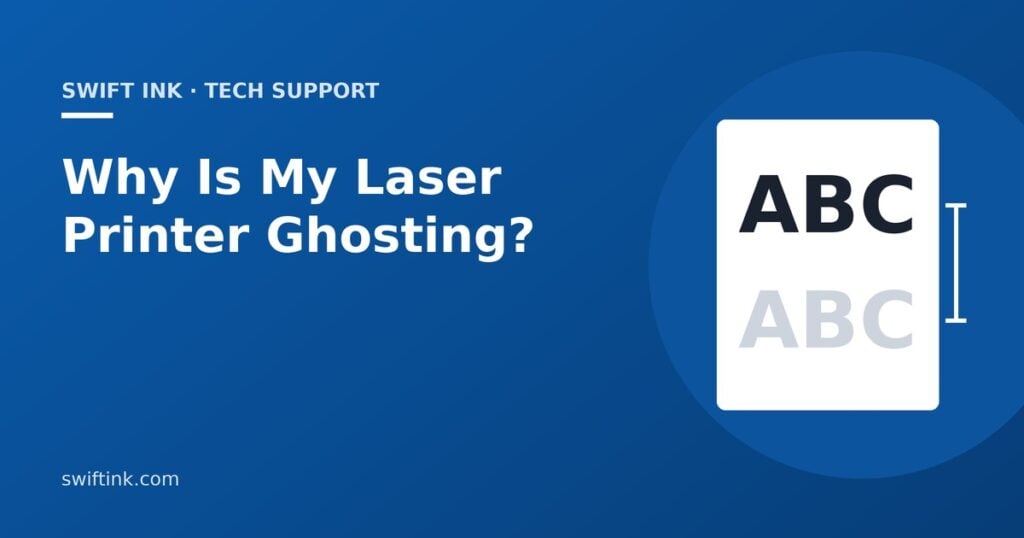
Faint ghost images on laser prints usually come from the paper setting, drum or fuser, not low toner. Measure the gap to find the cause and fix it.
12
Apr
Apr
Your HP printer says Cartridge Problem? Here is what each HP cartridge message means and how to clear it, starting with the free fixes.
- 1
- 2